Design Virdyn VDMocap Studio Plus Motion Capture Software System for VDSuit Full Planning, Solution
Product Description
Four Windows Modes
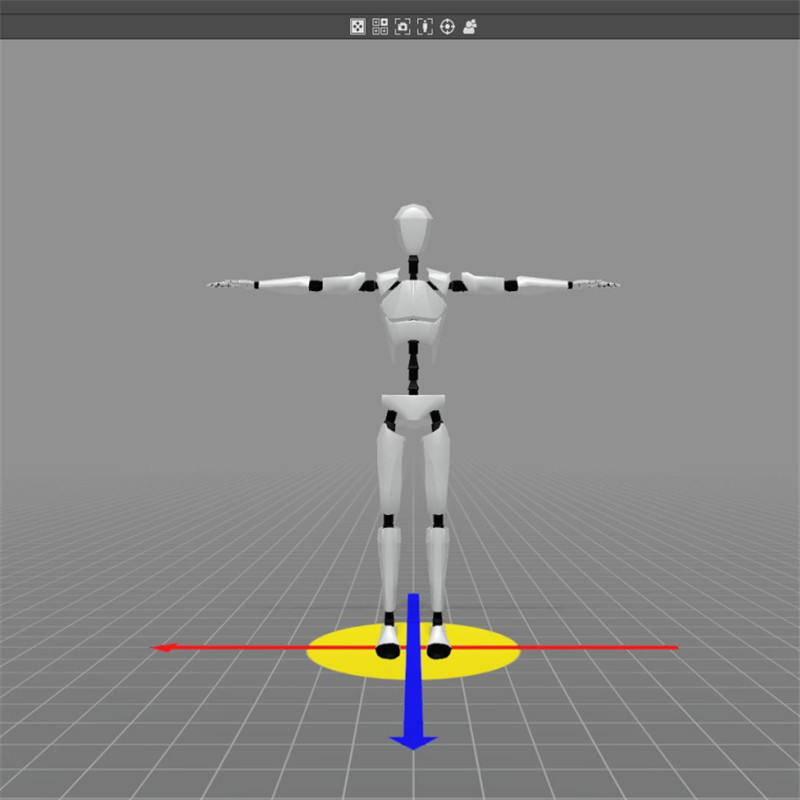
The software is in single window mode by default. You can click on the “Four Windows” icon to switch to four windows, both one window and four windows modes, you can separately move and rotate the window.
Multifunctional Data Processing Function
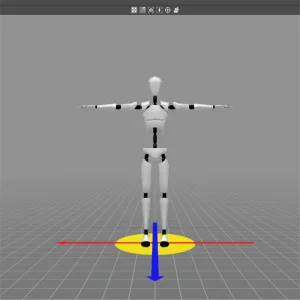
Data Repair, Data Redirection, Data Frame Cut, Motion Capture Bone Editing, Climbing Effects.
Application Development Kit
C++, SDK, supports secondary development.
Application Support Platform
Unity3D, UE4, UE5, Blender, 3D MAX, MAYA, MotionBuilder, Python etc.
Data Support Types
Data types include RAW, QUA, EULER, BVH, FBXO.
Data Editing Playback
motion capture software comes with data editing playback function.
Data Integration Application
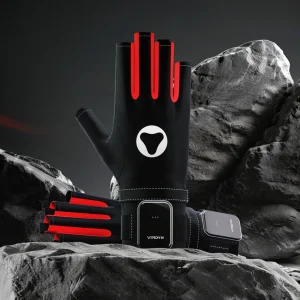
The system supports the integrated application of data gloves and full-body motion capture.
| System Requirements | |
|---|---|
| Display | *1 |
| CPU | Intel 5 |
| Operating System | Windows 10 |
| Size | 600MB |
| RAM | 8G+ |
| Graphics Card | Discrete graphics card |
| USB HUB | 3+ (depend on the number and type of devices) |
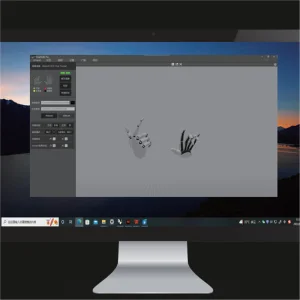
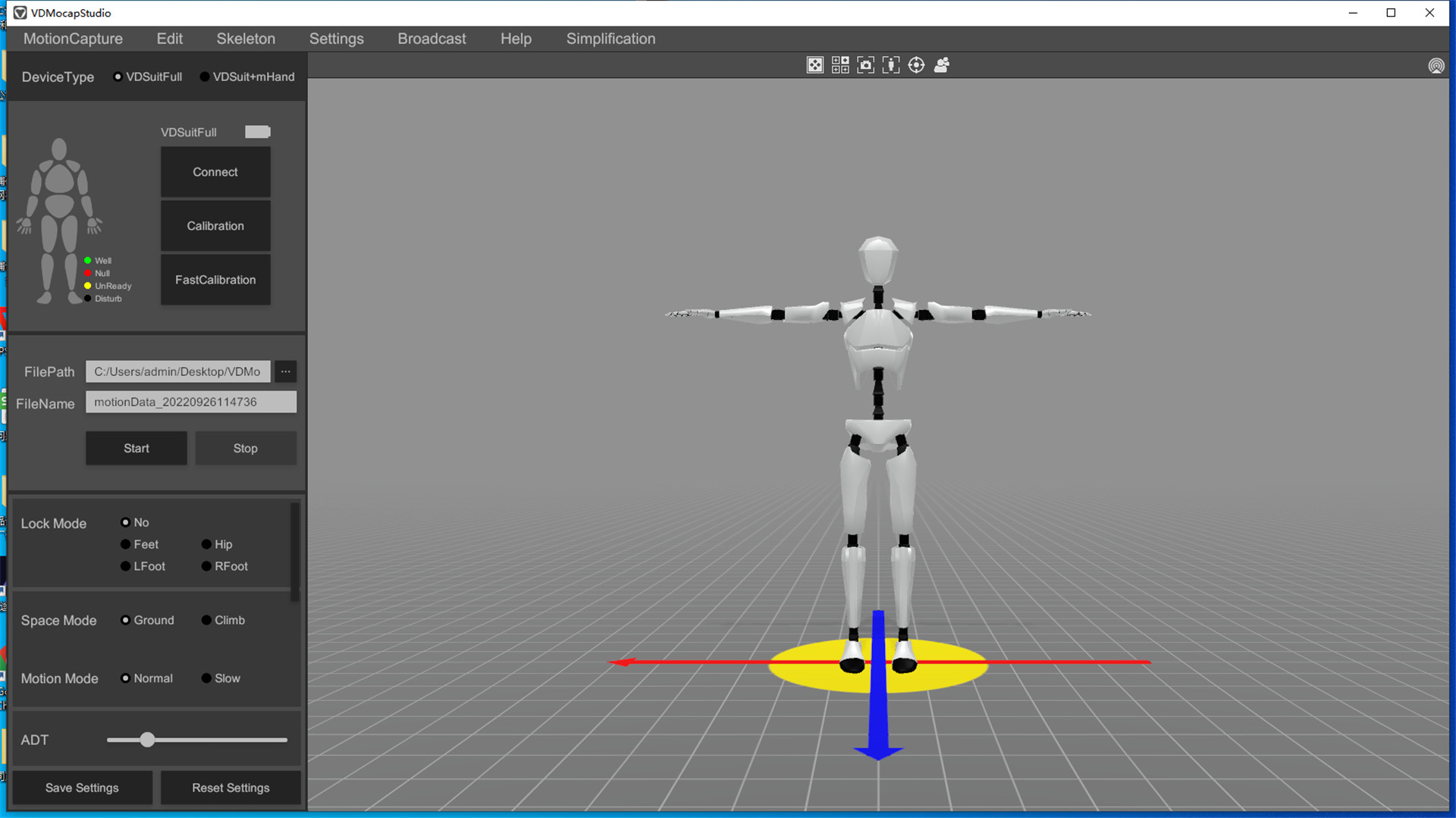
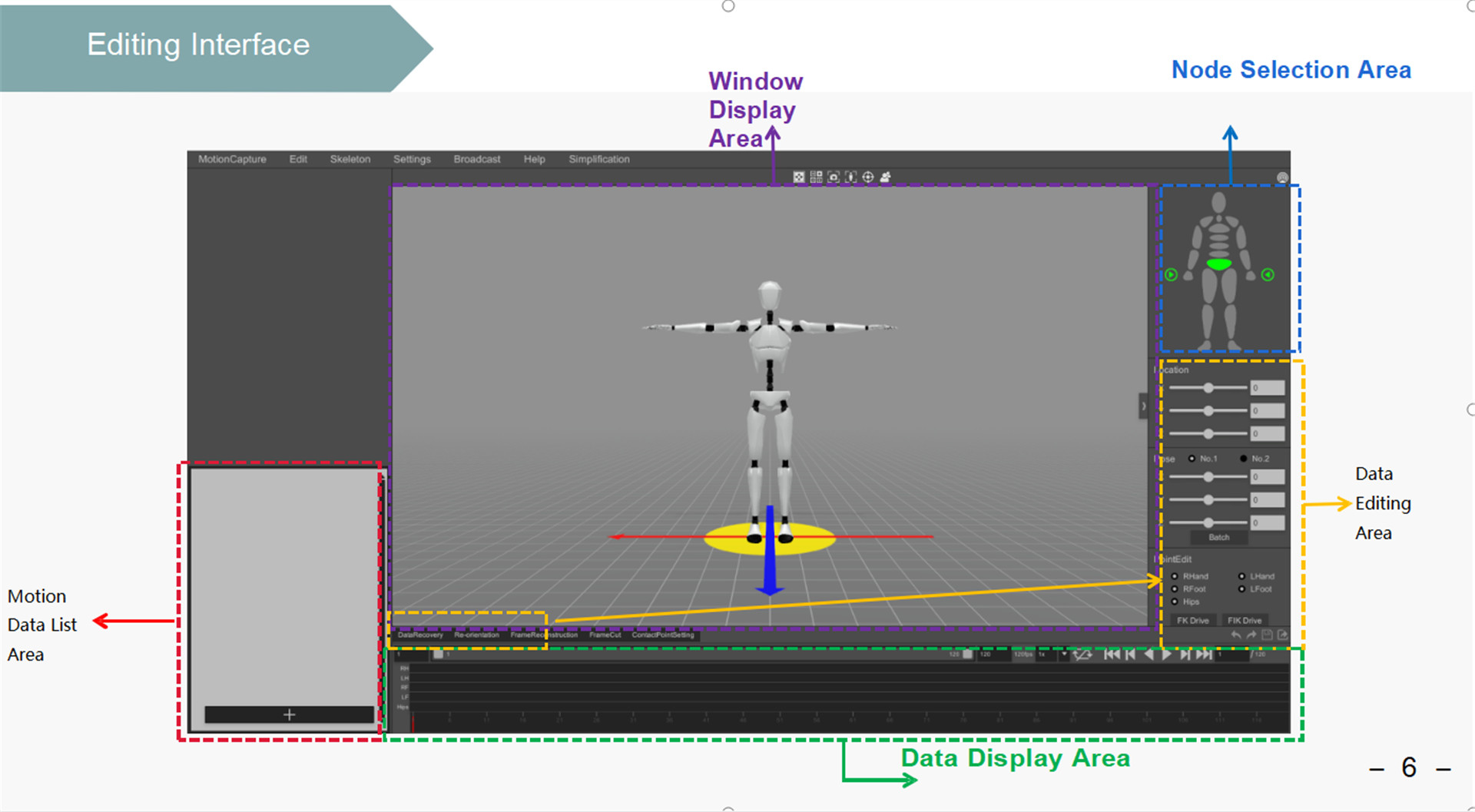
The following are some screenshot demonstrations of the VDMocap Studio software operation page, so that you can get a general understanding of the software's operating system.
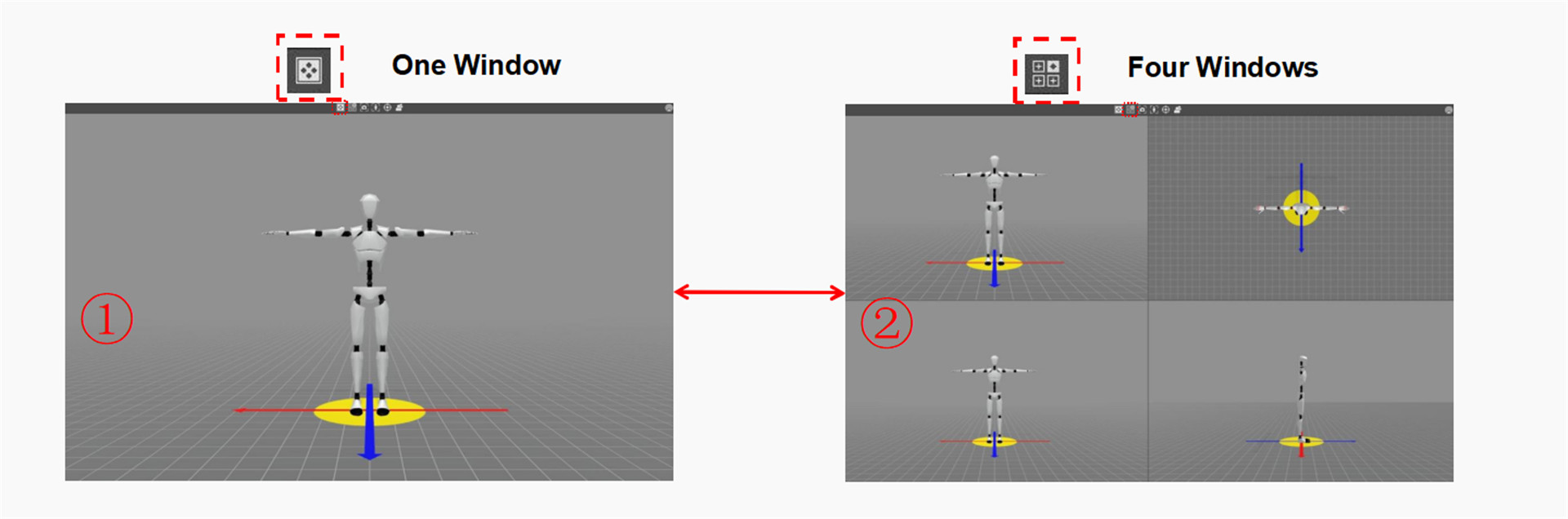

Q How does the multi-window mode work in VDMocap Studio?
The software operates in single window mode by default. Users can click the “Four Windows” icon to switch into a four-window layout. Both modes provide full flexibility to separately move and rotate each window viewport.
Q What motion capture data processing features are provided?
The system provides comprehensive multifunctional data processing tools including Data Repair, Data Redirection, Data Frame Cut, Motion Capture Bone Editing, and Climbing Effects.
Q Which 3D software and development platforms are supported?
VDMocap Studio supports industry-standard platforms including Unity3D, UE4, UE5, Blender, 3D MAX, MAYA, MotionBuilder, and Python. It also offers C++ and SDK options for custom secondary development.
Q What data formats can be exported or processed?
The software supports essential motion capture data types, including RAW, QUA, EULER, BVH, and FBXO formats.
Q Can the system track body and finger movements simultaneously?
Yes, the software supports the integrated application of both data gloves and full-body motion capture tracking in a unified workspace.
Q What are the recommended computer system requirements?
Operating requires Windows 10, an Intel i5 processor or higher, 8GB+ of RAM, a discrete graphics card, 600MB of storage space, at least 1 display, and 3 or more USB HUB connections depending on hardware device setup.