1 / 1
Design VDTraining: One-Stop Robot Reinforcement & Imitation Learning Platform Planning, Solution
Product Description
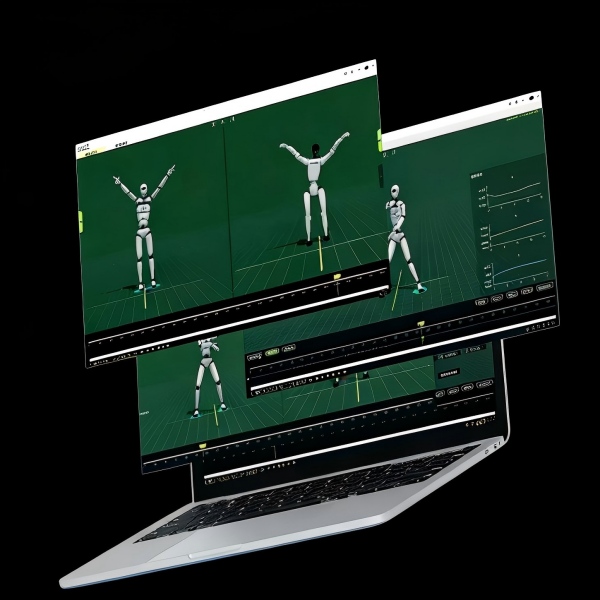
Bridging the gap between human motion capture and robotic execution is complex. Our solution eliminates the guesswork by providing a unified robot motion training pipeline.
-
Seamless Sim-to-Real Deployment: Transition confidently from physics simulators to physical hardware with proven deployment scripts.
-
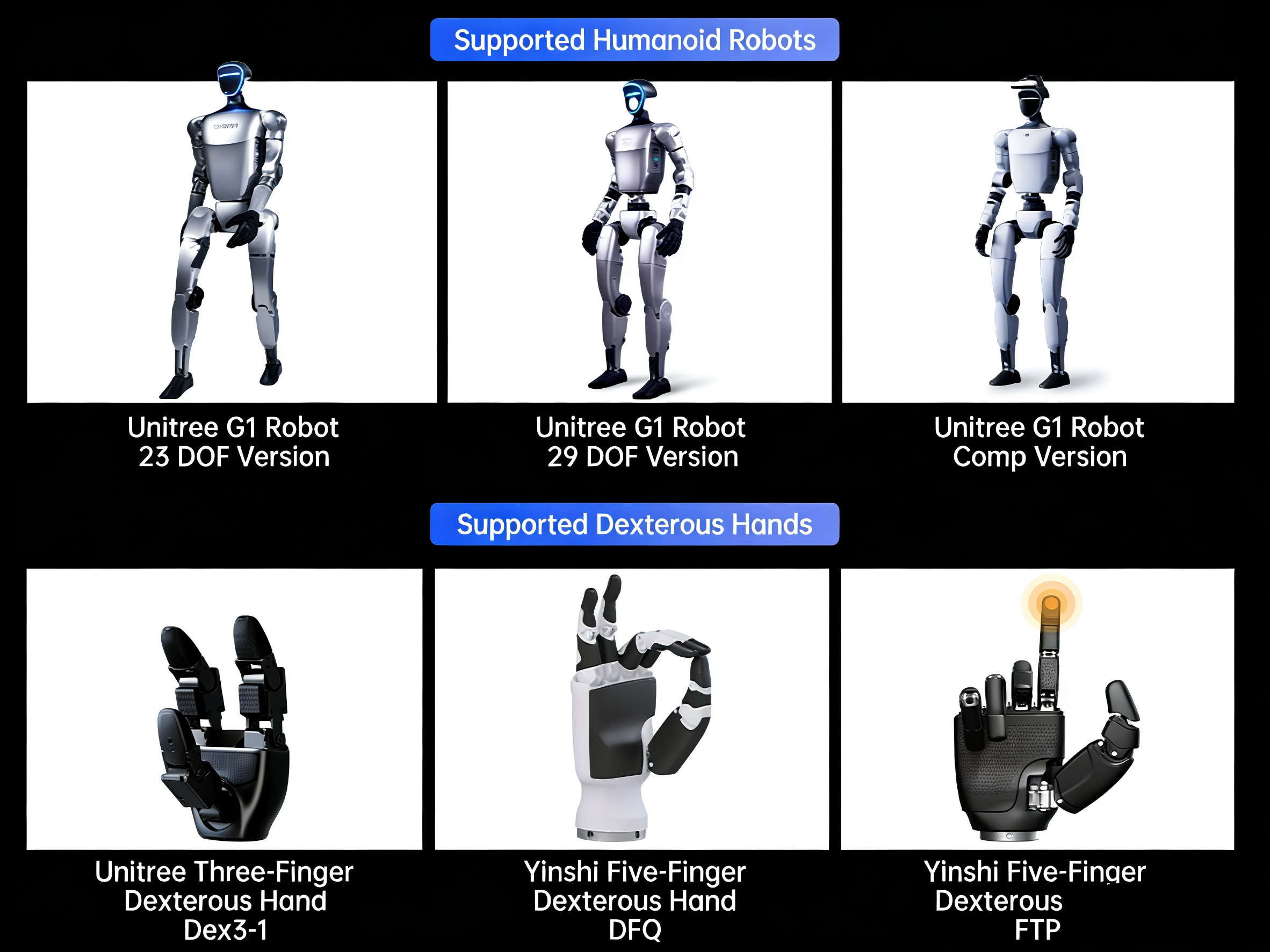
Unitree G1 Ready: Includes pre-configured parameters and case studies specifically optimized for the Unitree G1 humanoid robot.
-
Open Source Architecture: Gain full control with accessible Python source code for data processing, training, inference, and deployment.
-
Zero-to-One Guice: Whether setting up your first robot learning environment or deploying complex AI models, our step-by-step documentation ensures your success.
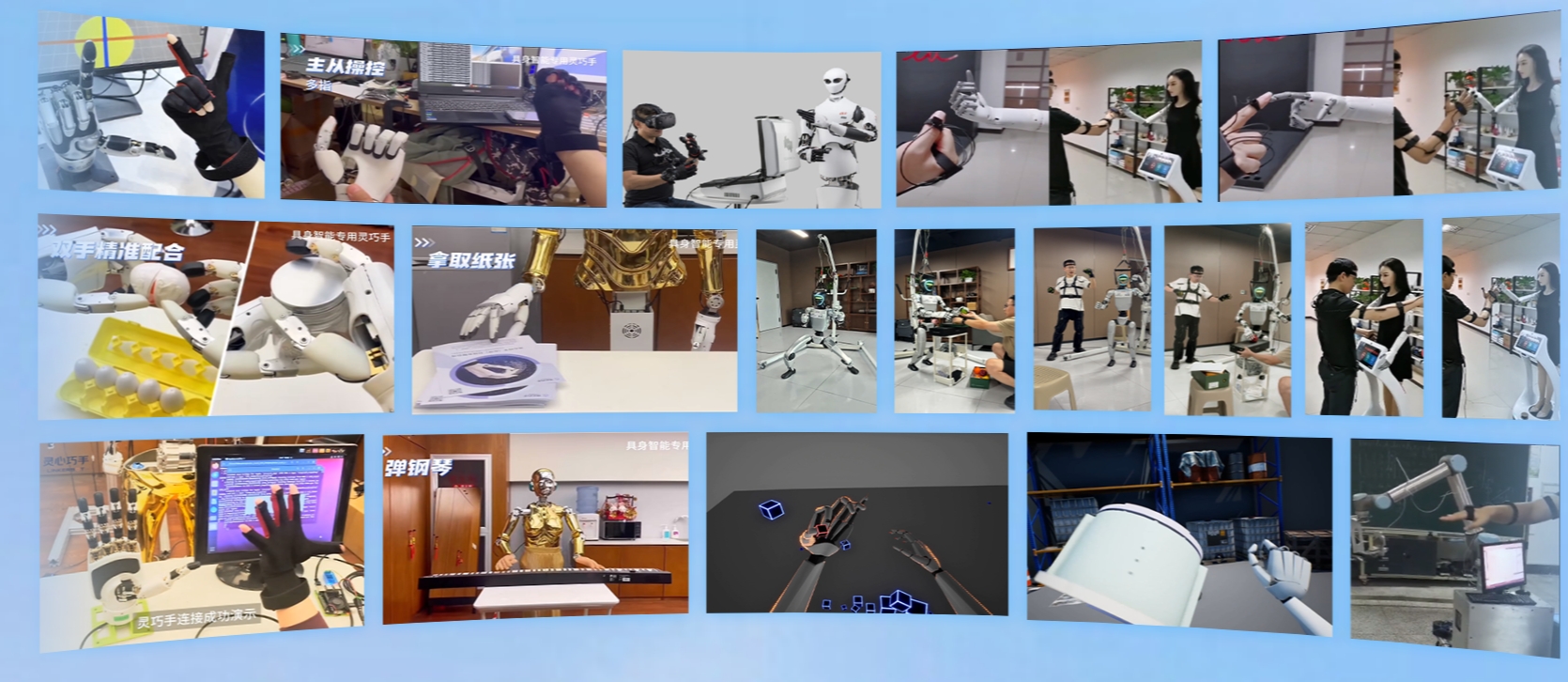
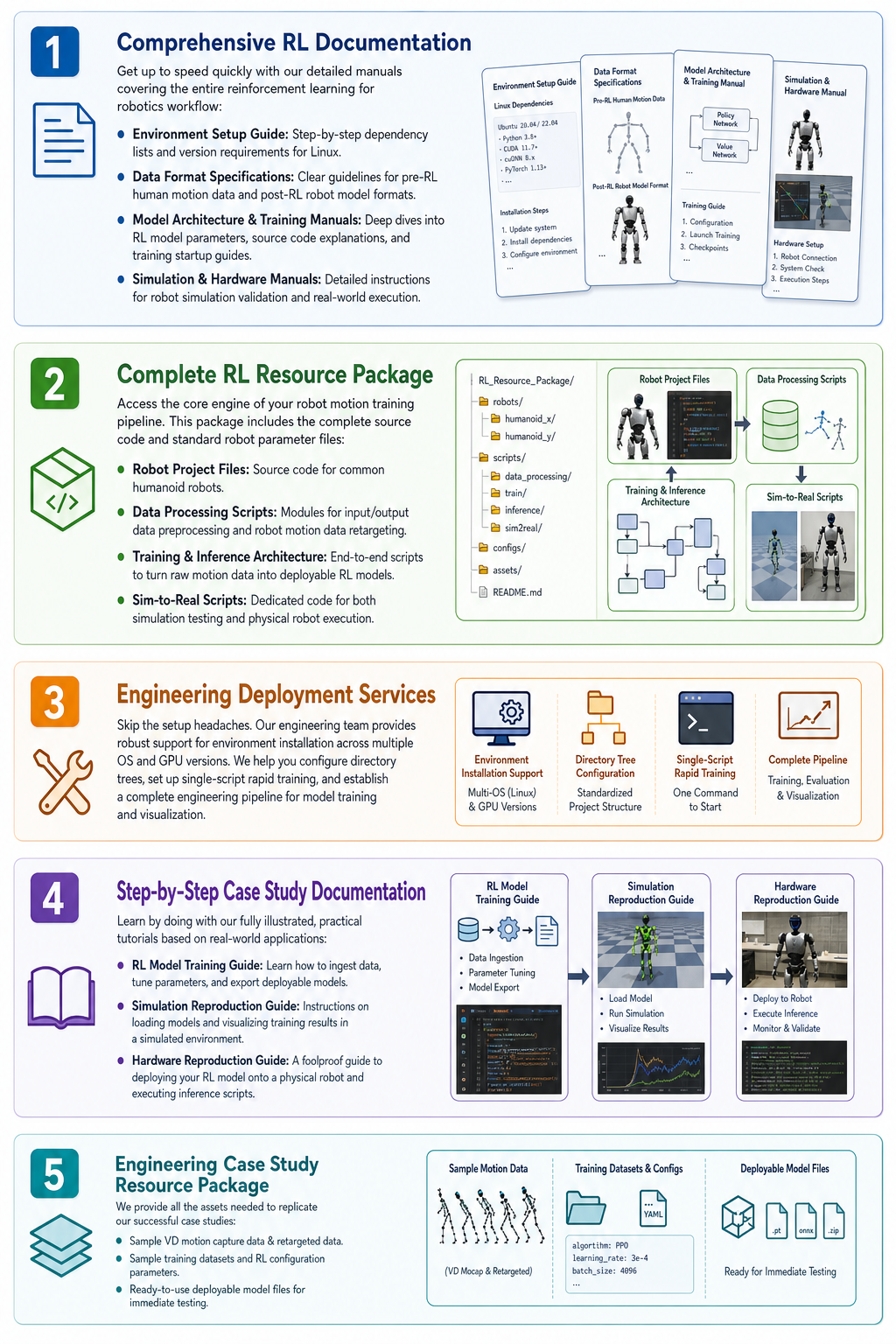
Our Robotics AI training package is divided into five core modules, providing everything you need to build, train, and deploy.
1. Comprehensive RL Documentation
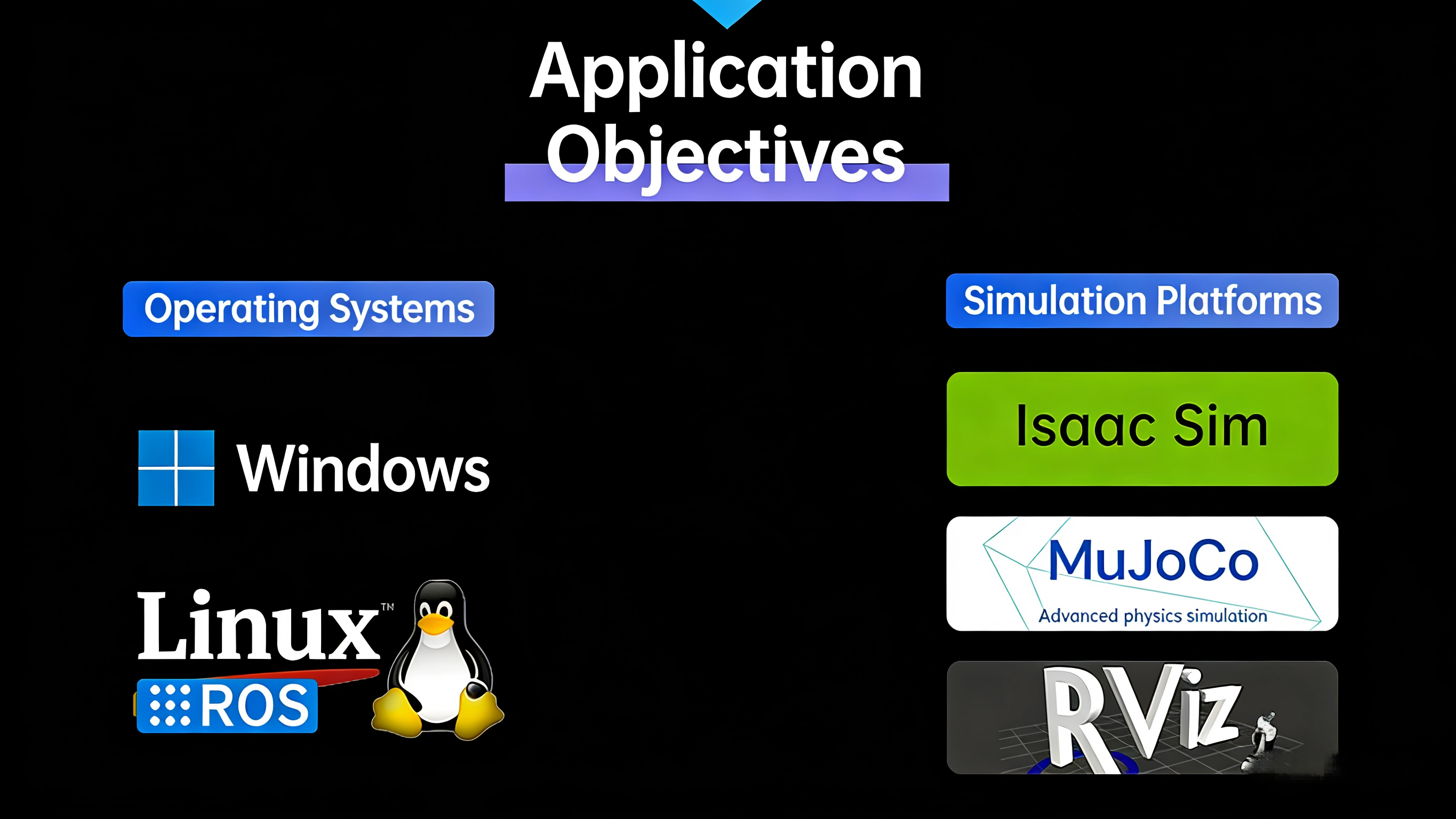
- Environment Setup Guide: Step-by-step dependency lists and version requirements for Linux.
- Data Format Specifications: Clear guidelines for pre-RL human motion data and post-RL robot model formats.
- Model Architecture & Training Manuals: Deep dives into RL model parameters, source code explanations, and training startup guides.
- Simulation & Hardware Manuals: Detailed instructions for robot simulation validation and real-world execution.
2. Complete RL Resource Package
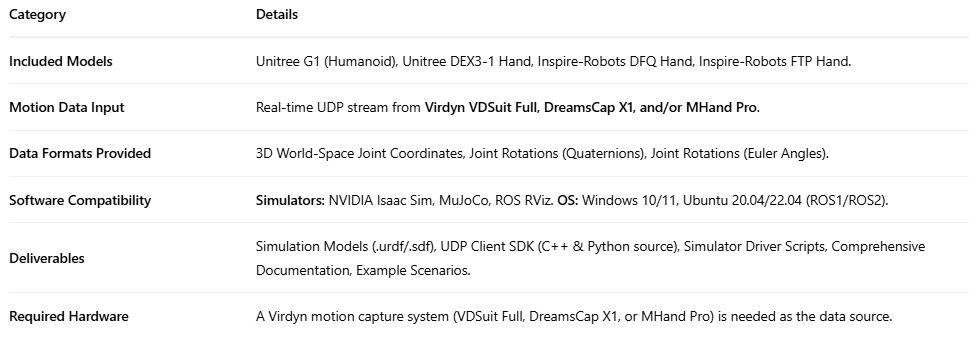
- Robot Project Files: Source code for common humanoid robots.
- Data Processing Scripts: Modules for input/output data preprocessing and robot motion data retargeting.
- Training & Inference Architecture: End-to-end scripts to turn raw motion data into deployable RL models.
- Sim-to-Real Scripts: Dedicated code for both simulation testing and physical robot execution.
3. Engineering Deployment Services
4. Step-by-Step Case Study Documentation
- RL Model Training Guide: Learn how to ingest data, tune parameters, and export deployable models.
- Simulation Reproduction Guide: Instructions on loading models and visualizing training results in a simulated environment.
- Hardware Reproduction Guide: A foolproof guide to deploying your RL model onto a physical robot and executing inference scripts.
5. Engineering Case Study Resource Package
- Sample VD motion capture data & retargeted data.
- Sample training datasets and RL configuration parameters.
- Ready-to-use deployable model files for immediate testing.
Frequently Asked Questions (FAQ)
1. What humanoid robot hardware is supported by default?
The pipeline comes pre-configured with parameters and dedicated deployment scripts specifically tuned for the Unitree G1 humanoid robot, while maintaining an open architecture adaptable to other humanoid systems.
2. What is the benefit of the Sim-to-Real deployment workflow?
It enables rapid training inside high-fidelity physics simulators first, mitigating physical risks and hardware wear, before seamlessly executing inferred models onto real robotic actuators via validated deployment scripts.
3. Is the pipeline accessible for custom algorithm development?
Yes. The entire package features an open-source Python architecture covering data retargeting, RL policy network configurations, training orchestration, and inference runtime modules.
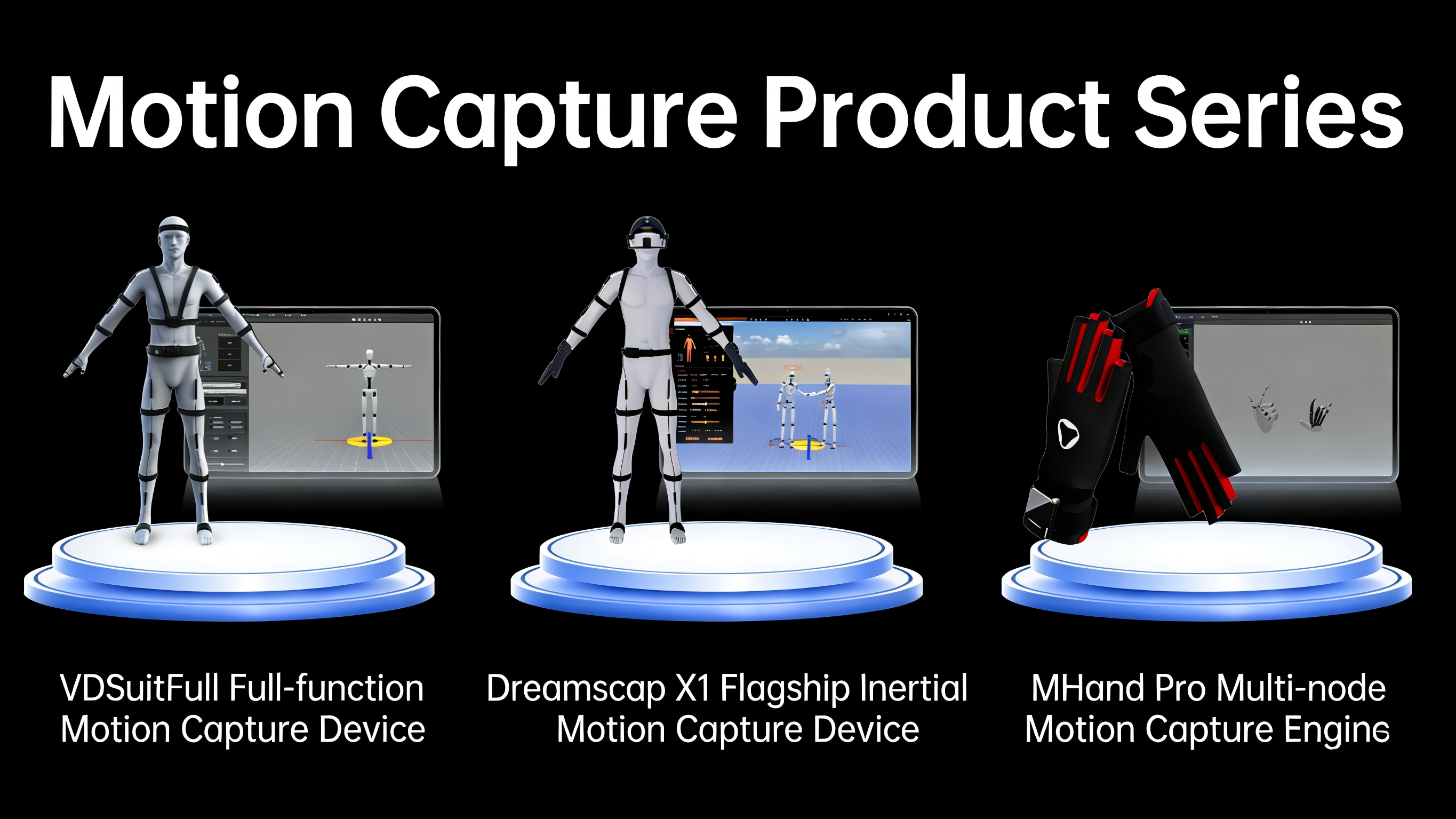
4. What motion capture inputs can be used for training?
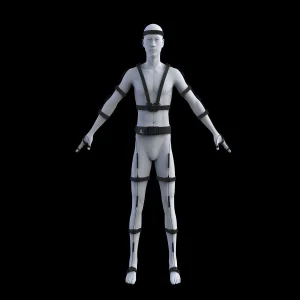
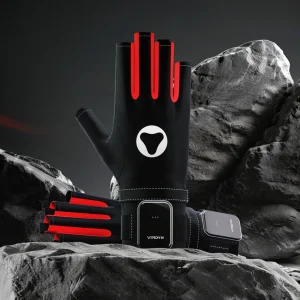
The pipeline includes dedicated modules and specifications to ingest, process, and retarget human motion capture data (such as sample VD mocap data) directly into appropriate robotic joint topologies.
5. What environment and system support is covered?
Our engineering documentation and services provide comprehensive Linux setup guides, covering multi-GPU configurations, dependency management, training automation scripts, and visualization environments.
6. Are there pre-trained models available for immediate verification?
Yes, the Engineering Case Study Resource Package includes ready-to-use deployable model files, sample datasets, and configuration parameters for instant validation in simulation and real hardware.