Design VDRobot Studio: Motion Data Collection&Conversion Platform for Robotics | Virdyn Planning, Solution
Product Description
| Workflow Stage | VDRobot Studio's Solution | Your Benefit |
|---|---|---|
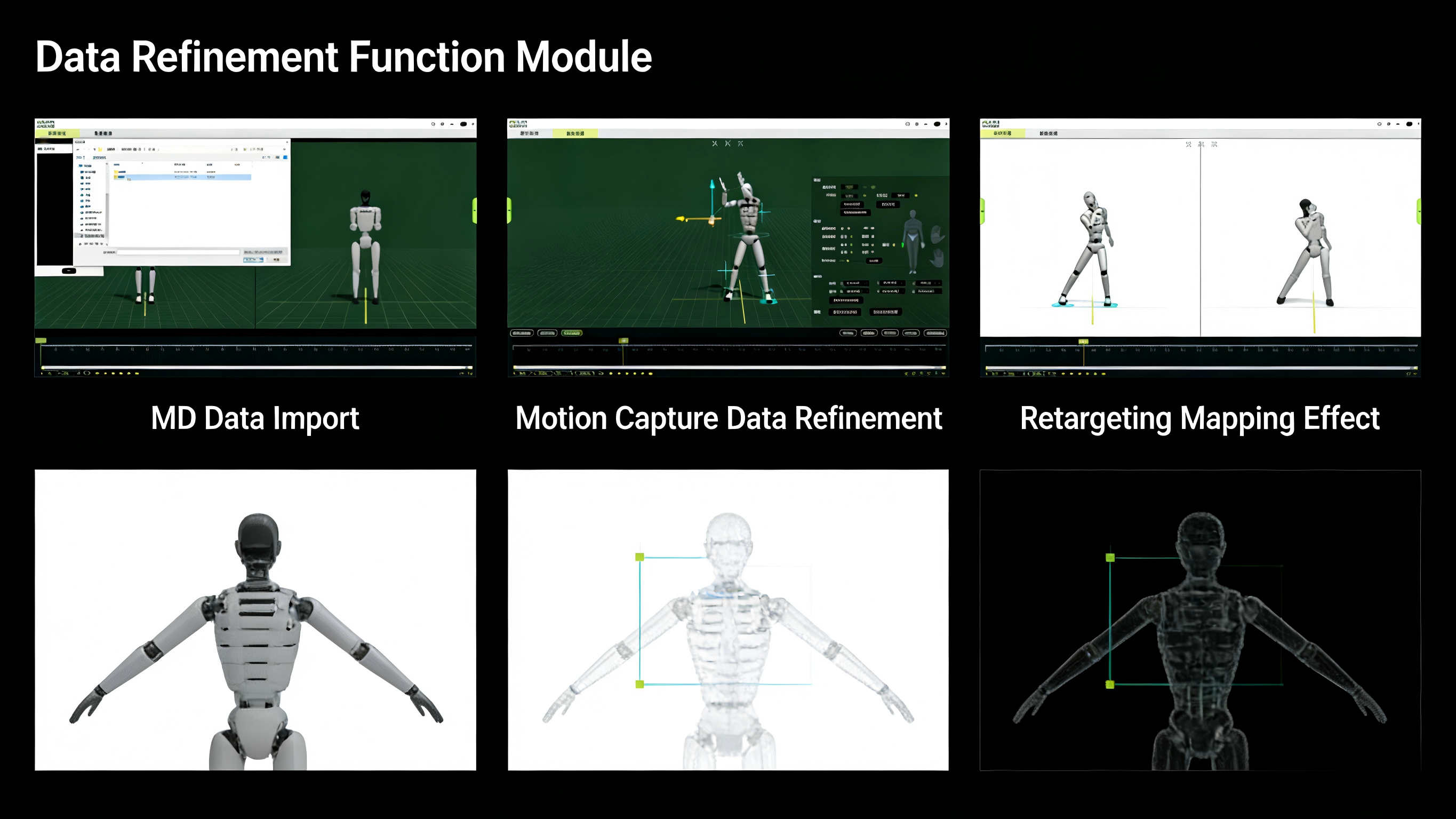
| 1. Import & Clean | Ingest raw data streams directly from VDSuitFull or DreamsCapX1. Apply automatic and manual filters to remove sensor noise and jitter. | Start with a pristine data foundation, saving hours of manual cleanup. |
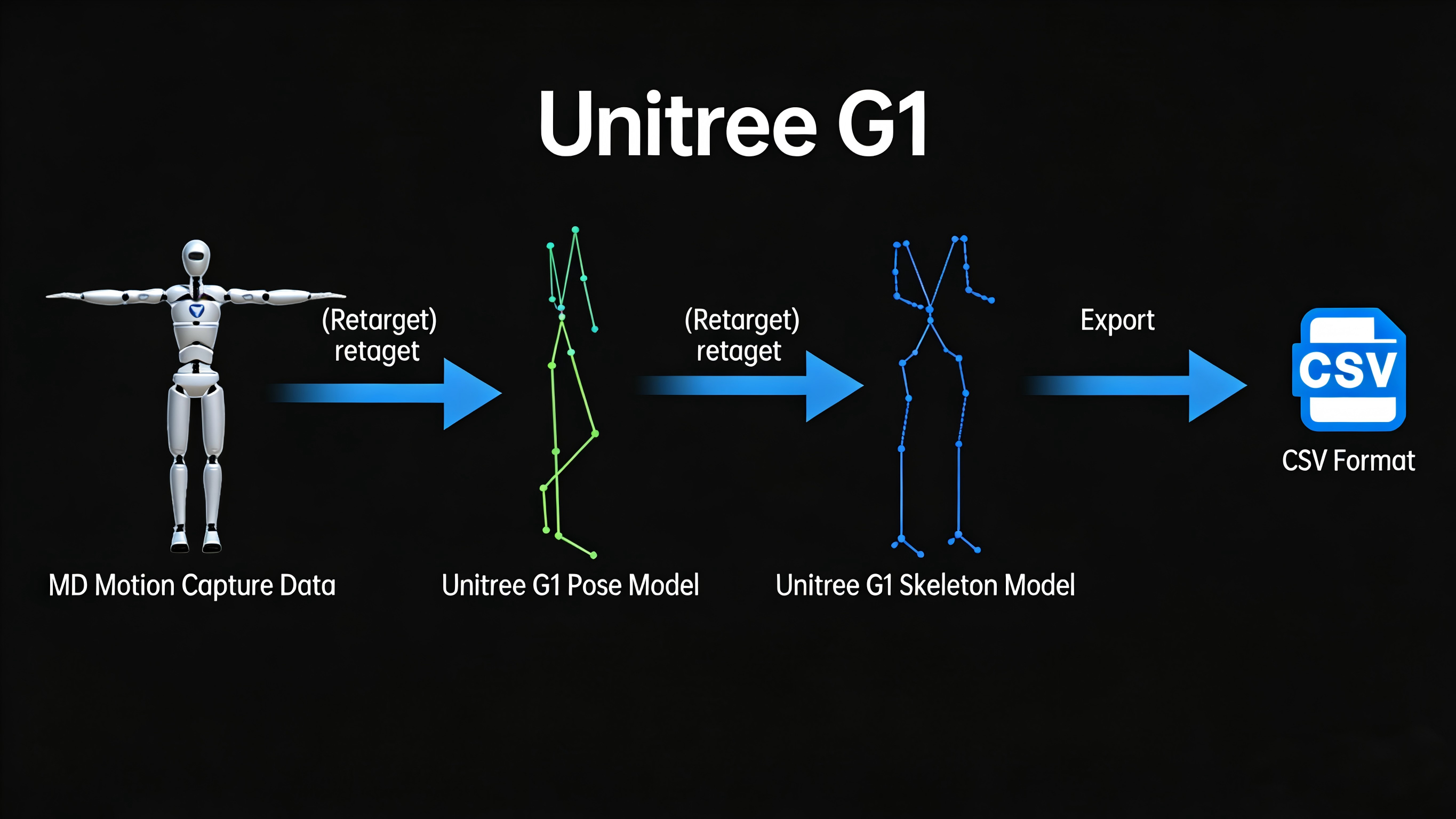
| 2. Retarget & Map | Utilize built-in, pre-configured rigs for Unitree G1 and other platforms. Visually map human joint data to your robot's kinematic chain with intuitive tools. | Ensure motions are physically achievable and biomechanically sound for your exact hardware. |
| 3. Edit & Fine-Tune | Use a comprehensive keyframe editor to adjust timing, smooth splines, correct foot skate, or modify poses. Perfect motions without re-shooting. | Gain complete creative and technical control to craft the exact robot behavior you envision. |
| 4. Validate & Export | Preview retargeted motions in a simplified viewer. Export final trajectories as industry-standard CSV files, ready for your robot's controller or simulator. | Achieve confidence and compatibility, enabling immediate integration into your stack. |
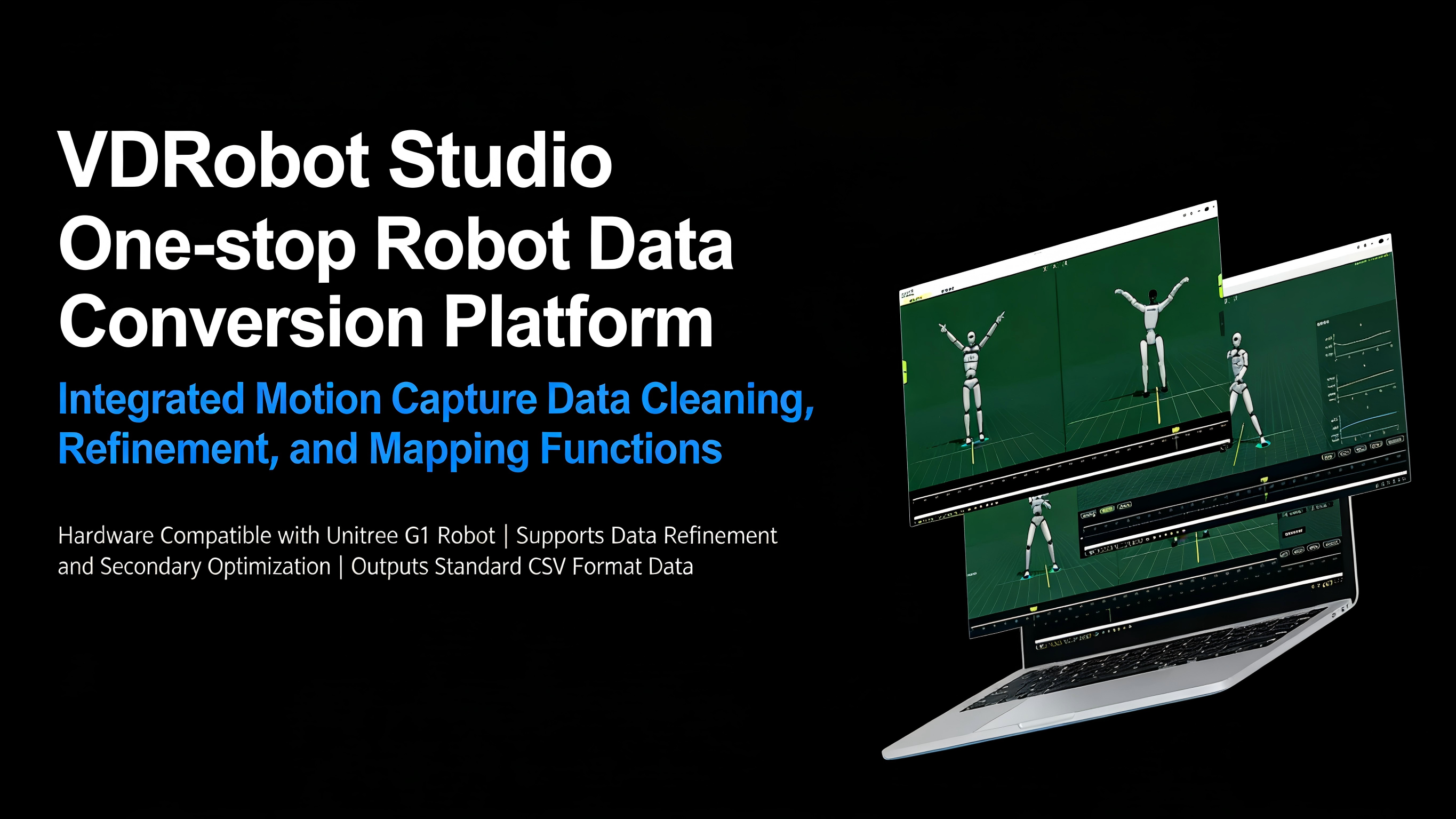
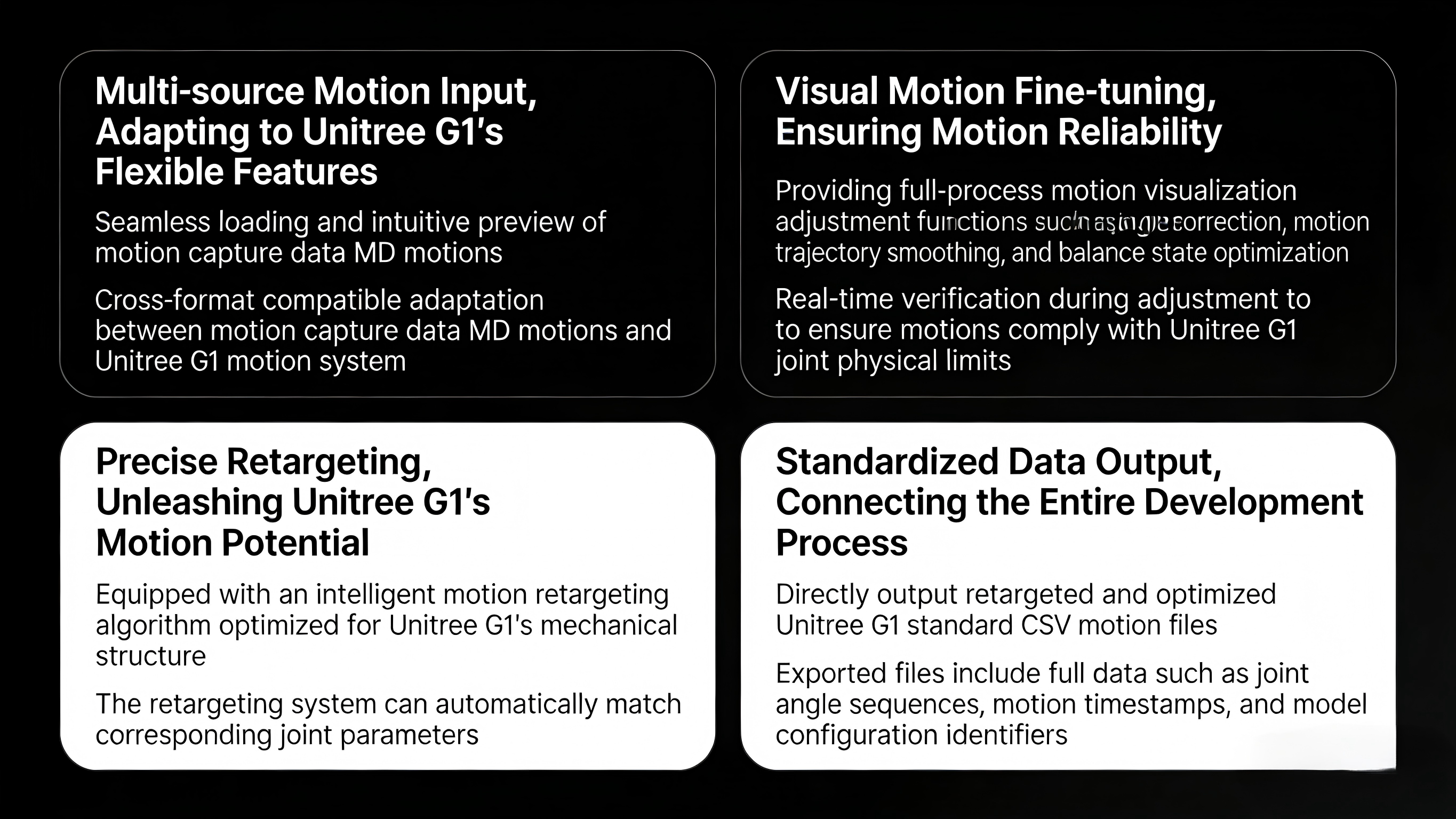
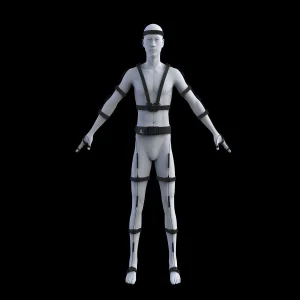
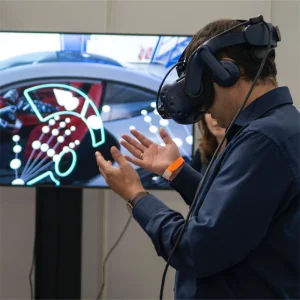
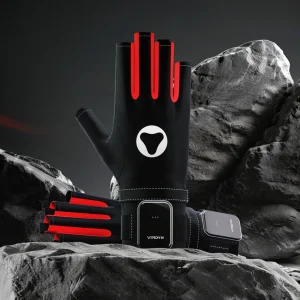
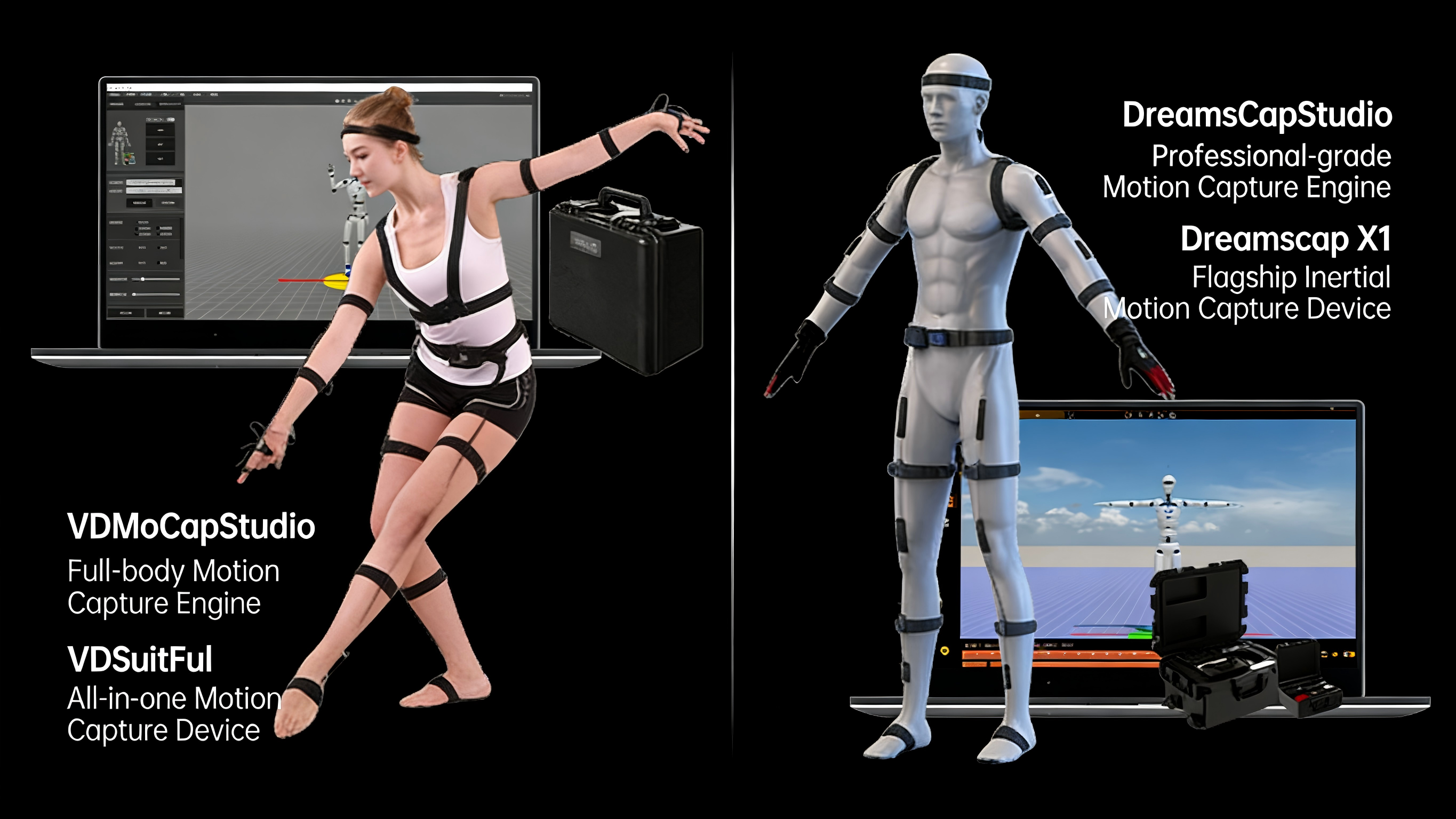
Achieve the lowest-latency, highest-fidelity data pipeline by using Studio with our VDSuit Full (for full-body capture) or DreamsCap X1 headset (for upper-body and mobile capture).
Features pre-loaded models and retargeting presets for the Unitree G1, drastically reducing setup time and technical overhead.
Exports clean, timestamped CSV files containing joint positions, velocities, or torques. This agnostic format ensures compatibility with ROS, MATLAB, Python, and proprietary control systems.
Quickly process experimental motion data for imitation learning and control policy training.
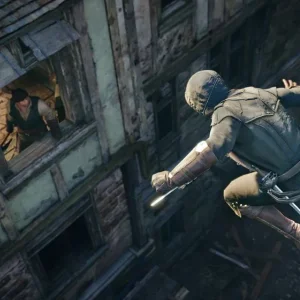
Create realistic NPC or character animations by retargeting live actor performances to robotic or CGI models.
Establish a reliable, repeatable software pipeline to convert cer/actor performances into product feature demonstrations.
Produce high-quality robot motion content for film, television, or social media with an accessible, all-in-one tool.
| Feature Category | Detailed Description |
|---|---|
| Data Import | Supports importing motion capture data files (.md/.mdm), 3D animation data files (.fpx/.bvh), and robot reinforcement learning datasets (.csv(lafan)). |
| Data Export | Supports exporting robot reinforcement learning datasets (.csv(lafan)), 3D animation data files (.fpx/.bvh), and plain text files (.csv). Currently only supports humanoid robots that do not include dexterous hands (such as Unitree G1). |
| Data Playback | Provides animation playback control components, including play/pause, speed adjustment, loop playback, timeline zooming, and dragging. Supports direct input of start frame, end frame, and current frame values for precise positioning. |
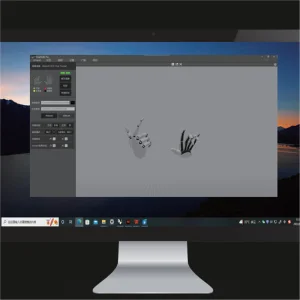
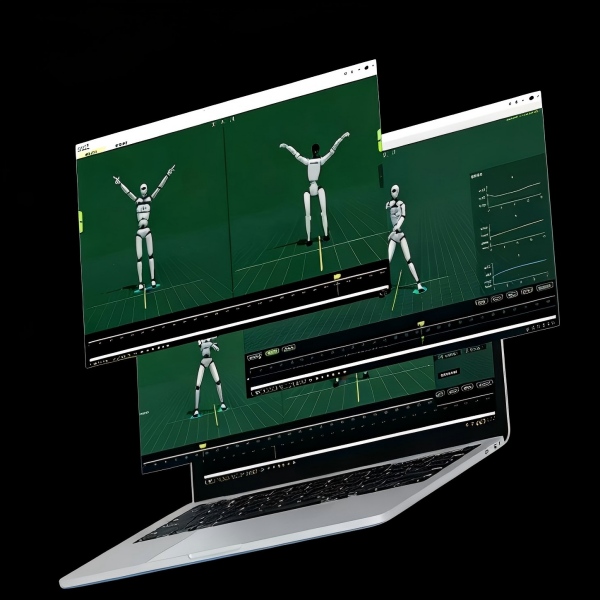
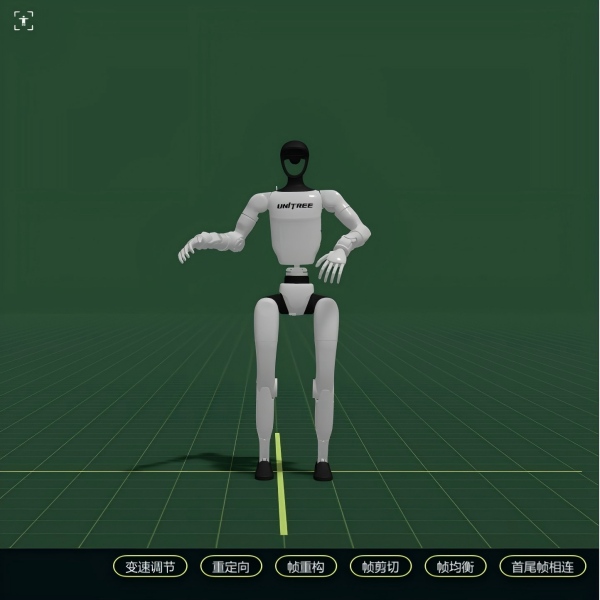
| Data-Driven Visualization | The left screen displays the motion capture model driven by motion capture data, and the right screen displays the robot model driven by reinforcement learning data, enabling precise comparison of driving effects. |
| Mouse Hover Tooltips | Mouse Hover Tooltips: Some system functions are annotated. When the mouse hovers over a function button, input box, or title for approximately 1 second, the system will display relevant text descriptions. |
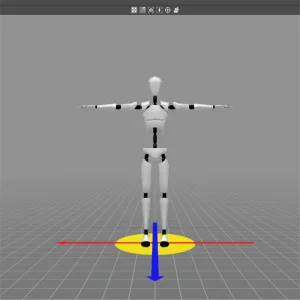
| Model Switching | Built-in standard motion capture model and skeletal point model (adaptive motion capture data skeleton). Excludes humanoid robot models including dexterous hands (such as Unitree G1). |
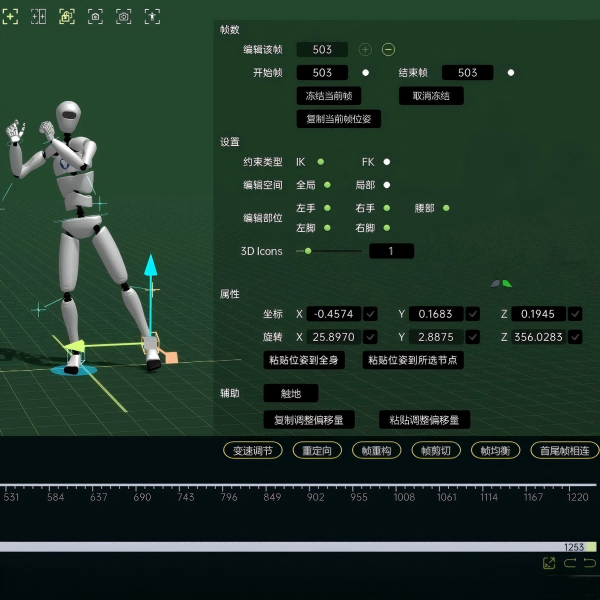
| Pose Editing | Corrects keyframe poses and batch modifies data according to the start-to-end range to correct joint angles and improve motion quality. Provides both IK and FK constraint modes, supports position and rotation adjustment of core body joints, built-in interpolation transition control, frame freeze comparison, pose/adjustment offset copy and paste, one-click ground contact, etc., ensuring simple and efficient pose editing. Pose editing does not support finger joint adjustment. |
| Contact Point Editing | Corrects the contact state between the foot and the ground, performs secondary IK-FK to correct slippage and stabilize the pose. Provides visual marking of contact segments, boundary adjustment, split/merge/create, redrive, undo/redo, etc. |
| Jump Editing | Corrects displacement during jumps and translates subsequent displacements to correct inaccurate takeoff/landing and improve jump quality. Provides jump segment data visualization, jump height and landing point dragging, jump parabola reconstruction, undo/redo, and other functions. |
| System Screen Operations | Left mouse button moves the screen, right mouse button rotates the screen, scroll wheel zooms the screen. |
| Pose Editing Local Transformation Preview | During pose editing, right-clicking within a selected frame range triggers "Local Transformation," providing a real-time preview of the intermediate effects generated by the editing algorithm, facilitating rapid verification and iteration without regenerating the entire dataset. |
| Shortcut Key Settings | View shortcut key settings and support custom shortcut keys. |
| Motion Stitching | Stitches at least two motion data sets together. |
| Speed Adjustment | Scales the length of the current motion capture data to achieve faster/slower playback effects. |
| Frame Reconstruction | Reconstructs the frame rate of the current motion capture data. |
| Redirect | Redirects the current motion capture data to the current model. |
| Frame Equalization | Completes data frames based on real-time and evens the data according to time intervals. For example, for 60fps data, 60 frames are completed per second. |
| Frame Clipping | Performs segmentation/cropping/fragmentation processing on continuous frame sequences. |
| Data Playback Frame Rate Setting | Allows manual setting of the frame rate during data playback. |
| First and Last Frame Concatenation | Eliminates position and pose differences between the first and last frames, creating a closed-loop data structure. |
| Saving | When temporarily saving edited data, automatically generates a filename version number (xxx.V2/3/4…) for saving, without overwriting the original file. |
| Save As | Saves the latest data to a specified directory in .md/.mdm format. |
| Import Audio | Supports importing external audio files, providing synchronization assistance for motion and audio rhythm matching. |
| Import Video | Supports importing external video files, providing synchronization assistance for motion matching with live-action footage. |
| Camera Tracking | Automatically follows the selected model with the camera view. |
| Single View | Displays motion capture data-driven effects. |
| Dual View | Displays both motion capture data-driven and robot data-driven effects. |
| Camera Synchronization | Dual-view perspective synchronization control. |
| Camera Reset | Resets the camera perspective. |
| Online Update | Supports online updates, viewing version update content, and version rollback. |
| Language Switching | Supports switching between Chinese and English. |
| Vertical Synchronization | It can optimize screen tearing. However, it will lock the software's frame rate, placing higher demands on graphics card performance. |
| Standard System Screen Operations | Left mouse button to move the screen, right mouse button to rotate the screen, scroll wheel to zoom the screen. |
| Advanced Data Export | ".csv (lafan)" supports humanoid robots including dexterous hands, such as the Unitree three-finger force-controlled dexterous hand and the Time-based five-finger dexterous hand. Added .bvh (lafan) format file export. This file is based on the skeletal data structure and can be imported and viewed in 3D animation software. This format also provides R&D personnel with a low-level data interface, enabling the development of customized motion redirection algorithms for specific robot models, ultimately converting them into reinforcement learning datasets that meet their requirements. |
| Robot Motion Data Redirection | Redirects the currently loaded motion capture data based on the robot skeleton, effectively avoiding inconsistencies in refinement results caused by skeletal issues. |
| Advanced Model Switching | Includes humanoid robot models including dexterous hands (such as Unitree G1, Unitree three-finger force-controlled dexterous hand, Time-based dexterous hand, etc.). |
| Advanced Pose Editing | Supports adjustment of finger joints. |